Flashcard Master 2 is currently being prototyped.
What would you like to see improved in Flashcard Master 2? Let me know: <nithin@nithinphilips.com>

Flashcard Reviewer
Flashcard Master allows you to create beautiful flashcards. You can easily design, edit and print flashcards. In addition, Flashcard Master supports various data input methods, wikitext formatting of text, and facilites to learn/review materials. Flashcard Master goes beyond the simple Key and Value type flashcards and allows you to semantically and visually organize information. With support for a variety of common file formats, including a well-defined XML format, you can easily transfer information between Flashcard master and other programs or share with others.
↓ Download links at the bottom
Features
- Easy to print to real flashcards.
- Wiki text support in text fields.
- Ability to design the layout of flashcards (WYSIWYM).
- Multiple review methods (Normal, Shuffled, Manual or Timed)
- 3-tier Leitner system support.
- Self testing (Multiple Choice).
- Unicode support
Supported File Formats
| Format | Read | Write | Example |
|---|---|---|---|
| Card (binary format) | Yes | Yes | deprecated∗ |
| CML (XML format) | Yes | Yes | Example.cml |
| CSV | Yes | Yes† | Example.csv |
| XHTML | No | Yes | Example.html |
| LaTeX | No | Yes | Example.tex, Example.pdf‡ |
| Flashcard Pro | Yes | Yes† |
∗ Support will be removed in the future. Use CML format instead.
† When saving to this format, some information may be lost.
‡ PDF generated from TeX using MikTeX and TeXnicCenter.
Translations
Flashcard Master needs translators. If you're interested, contact meDocumentation
User manual is available online as html or pdf and a copy is included in the distribution.
Getting More Help
If you need additional help there is a mailing list, <flashcardmaster-info@lists.sourceforge.net>. You can subscribe or browse the archives.
Reporting Problems
Found a problem with Flashcard Master? You can report a bug at the project page.
Additional Screenshots

Main Window |

Designer |

Editor |

Batch Input |

Review |

Preferences - 1 |
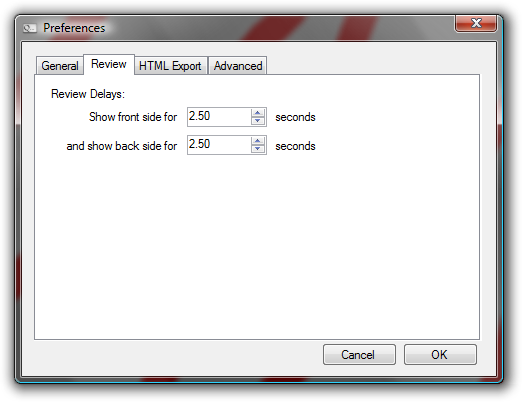
Preferences - 2 |
Preferences - 3 |
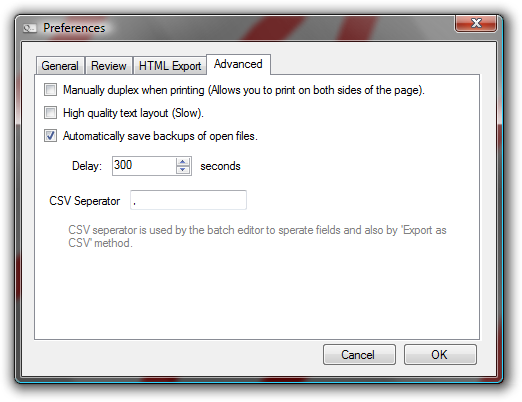
Preferences - 4 |
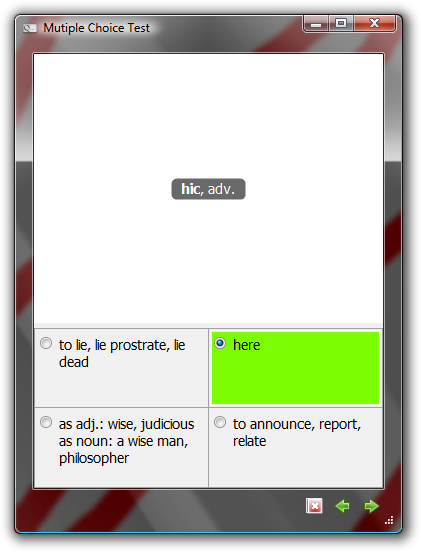
Multiple Choice Test |

Multiple Choice Test Results |
What's Ahead
- Flashcard Master (will be version 2) is currently being rewritten in WPF:
- WPF allows us to significantly improve the quality of the card rendering.
- Printing will also be high-quality because WPF draws content as vector graphics.
- If you set a background color for a field, the color will now stick to the field and does not overflow into any adjoining fields in the cell (as it currently does).
- A WYSIWYG editor seems easy to implement.
- The list-view of card view can now also render wikitext formatting.
- Maintainability and extensibility of the UI code is improved.
- In the future we can allow non-text elements, like pictures, audio and even video on flashcards.
- There is no change to the file format
- Except for
*.card, which will be dropped due to the difficulty in maintaining compatibility across versions.
- Except for
- On the down side:
- The documentation will be almost entirely out-of-date.
- Some features might be lost or won't be implemented for a while.
- Untested features == more potential bugs.
- .NET 4 will be required and it needs Windows XP SP2+, Windows Server 2003, Vista or Windows 7.
What would you like to see in Flashcard Master 2? Let me know: <nithin@nithinphilips.com>
Here are some screenshots: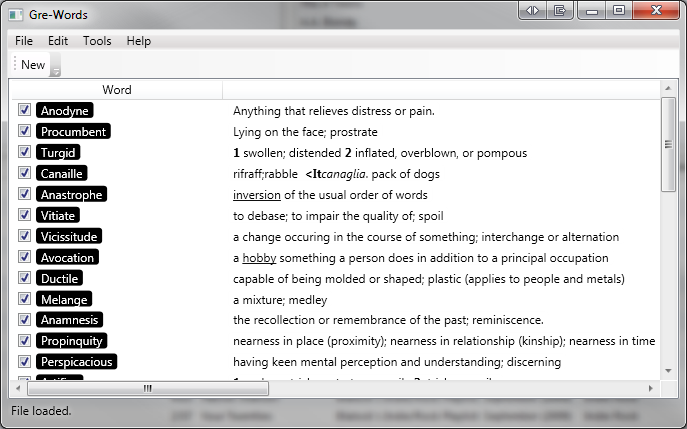
The prototype main window
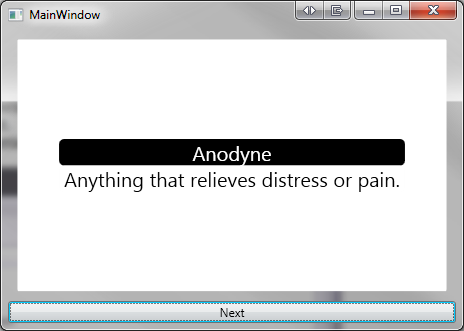
The prototype review window
What's New
Release 1.1- The format of ".card" files has changed in this release.
Any .card files saved with previous versions of this program including version 1.0 RC3 and below are not compatible with this release. Please save your data as a ".cml" file or any other supported format before upgrading. The sample flashcards provided with this program have been updated to accommodate this change. - Fixed problems with 64-bit Windows. The program will now run as an x86 binary.
This should fix:- Crashes that occur on program startup.
- Crashes that occur when reviewing or editing cards.
- Clicking the 'Associate Filetypes' button in Preferences crashes the program.
This problem is due to the lack of security privileges and will be fixed in a future release. At present, the problem can be rectified by starting the program as Administrator and then associating filetypes. To do so, right click on the Flashcard master shortcut and choose 'Run as administrator'.